ProblemTrack Walkthrough
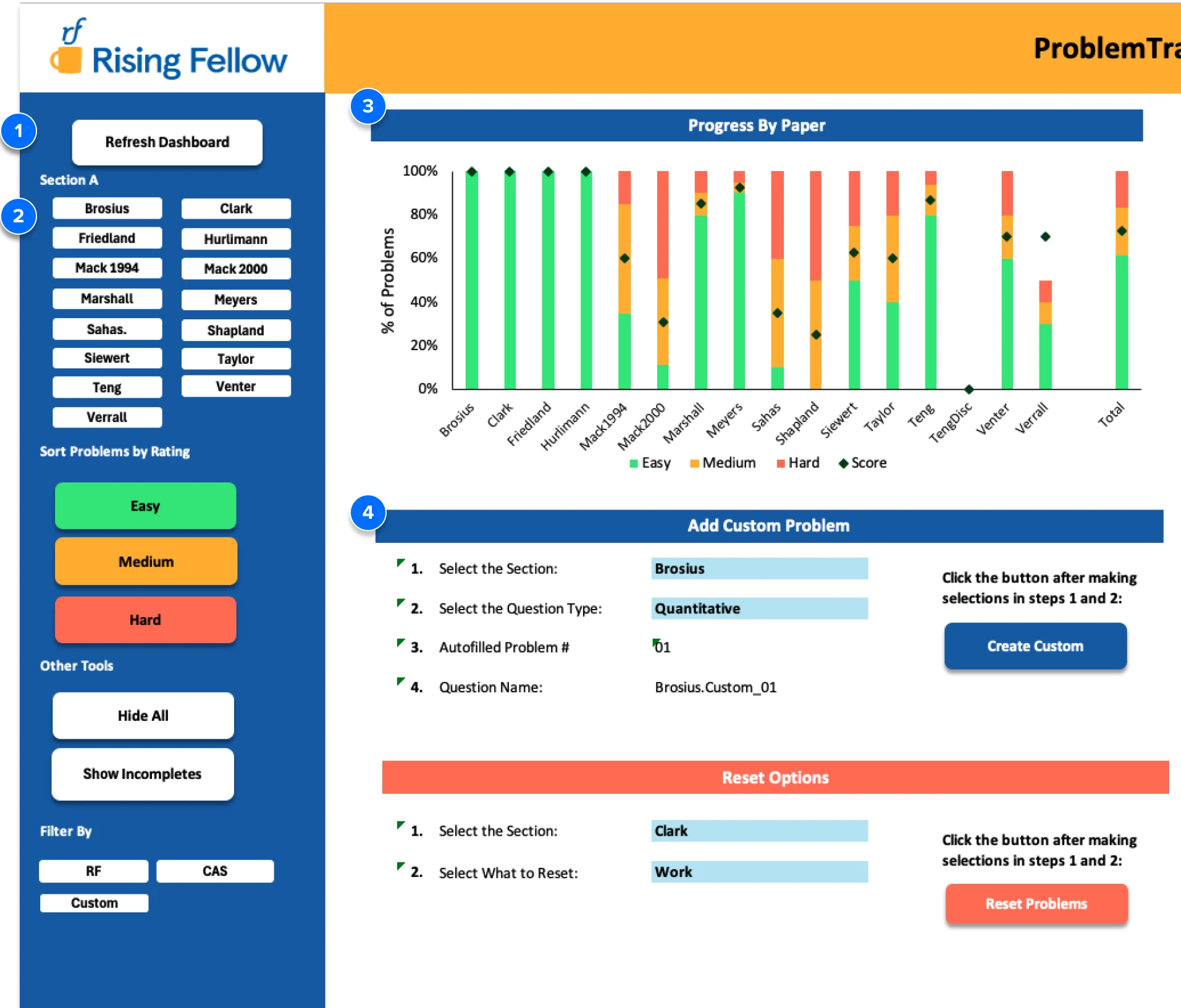
1 Refresh your dashboard after each study session to save your progress.
2 Filter problems by source paper, difficulty level, unattempted status, and problem source.
3 Track your completion percentage and self-rated difficulty by paper to identify your weak spots.
4 Create and add your own custom problems to the practice problem bank.
5 Track your progress over time to keep yourself accountable as you approach exam day.
6 View your progress metrics to assess your current exam-readiness.

7 Create unlimited, randomized quizzes from the problem bank to get more practice.
8 Customize quizzes by topic, question type, and difficulty level.
9 Set the number of quiz problems to match to how much time you have to study.
10 Track how many quizzes you’ve completed as you get exam-day ready.
